
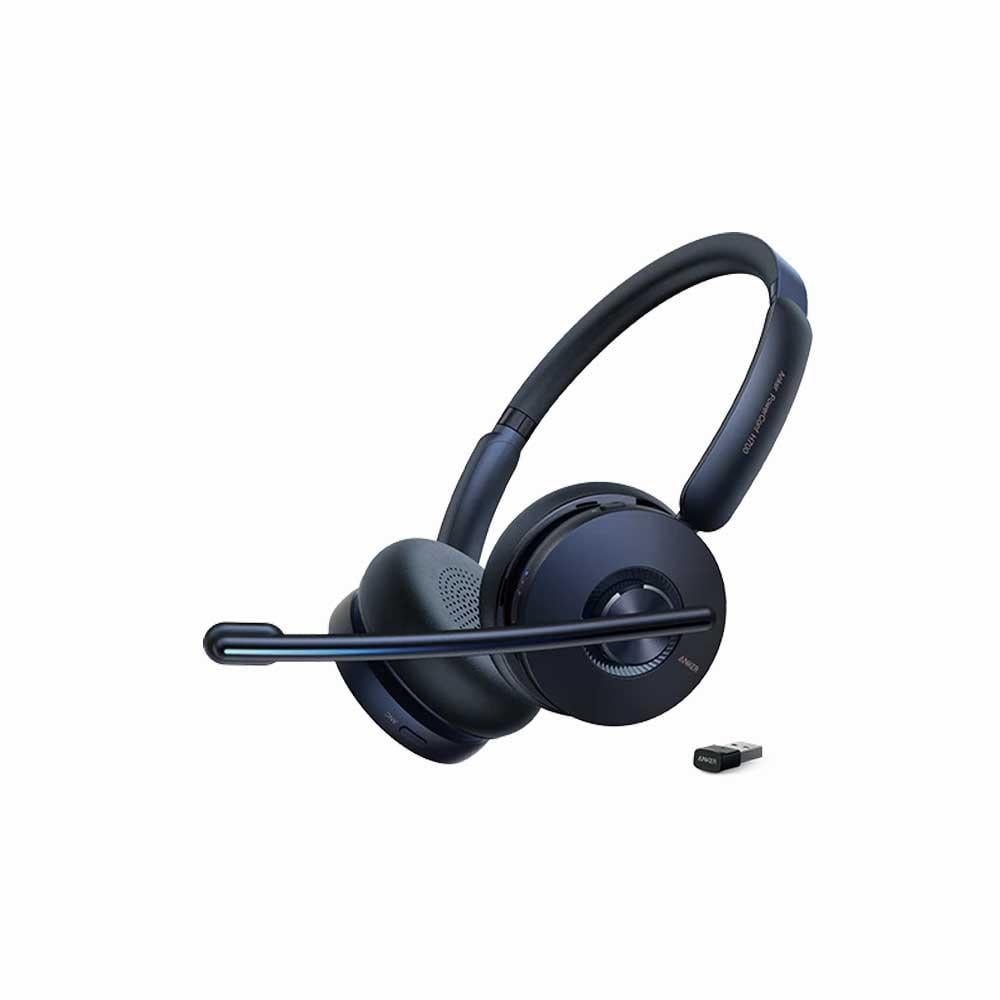
Anker PowerConf H700 Headset – Clear Sound and Noise-Free Meetings
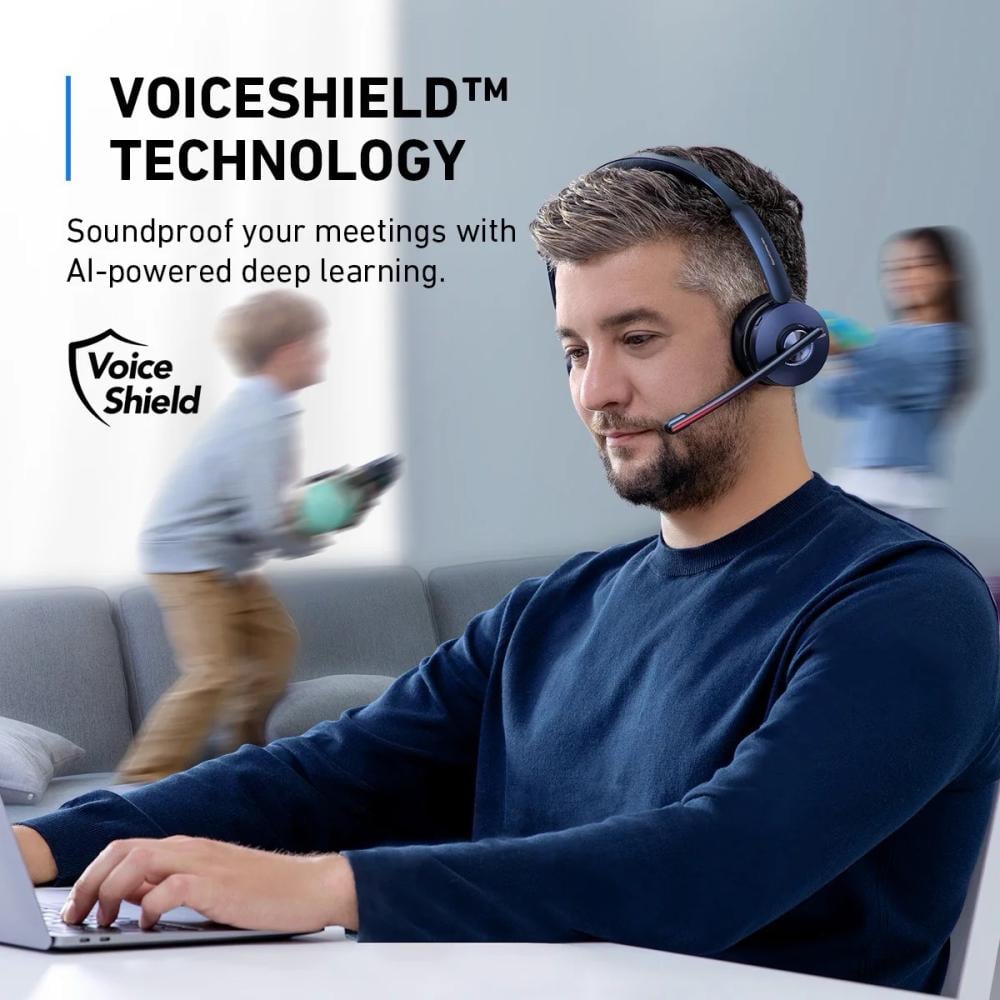
Call noise cancellation
AI-powered VoiceShield technology ensures ambient noise isolation, so your team can hear your voice clearly no matter where you are or how noisy it is around you.
Recording meetings and converting them to text
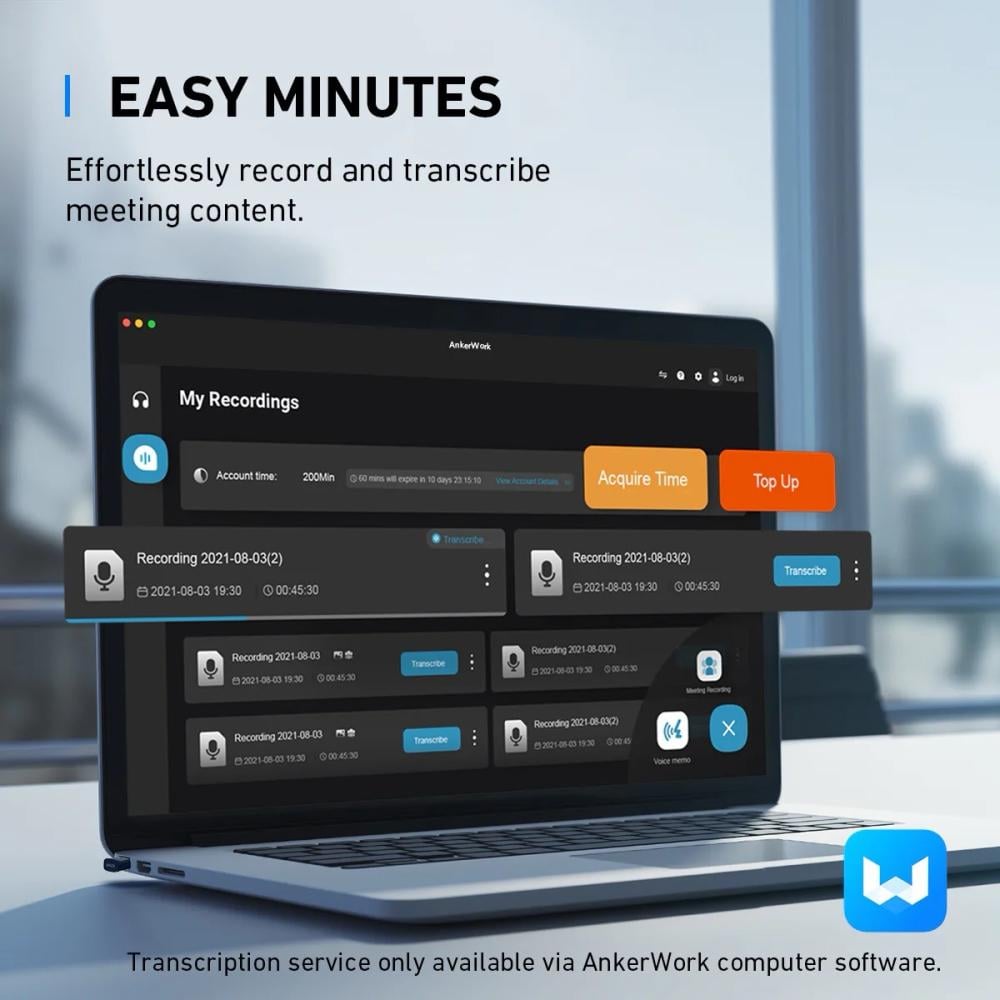
You can easily record and save your meetings using AnkerWork software, and you can also convert them to text with one click . (Includes a free trial period; a subscription is required to continue using it after it ends).
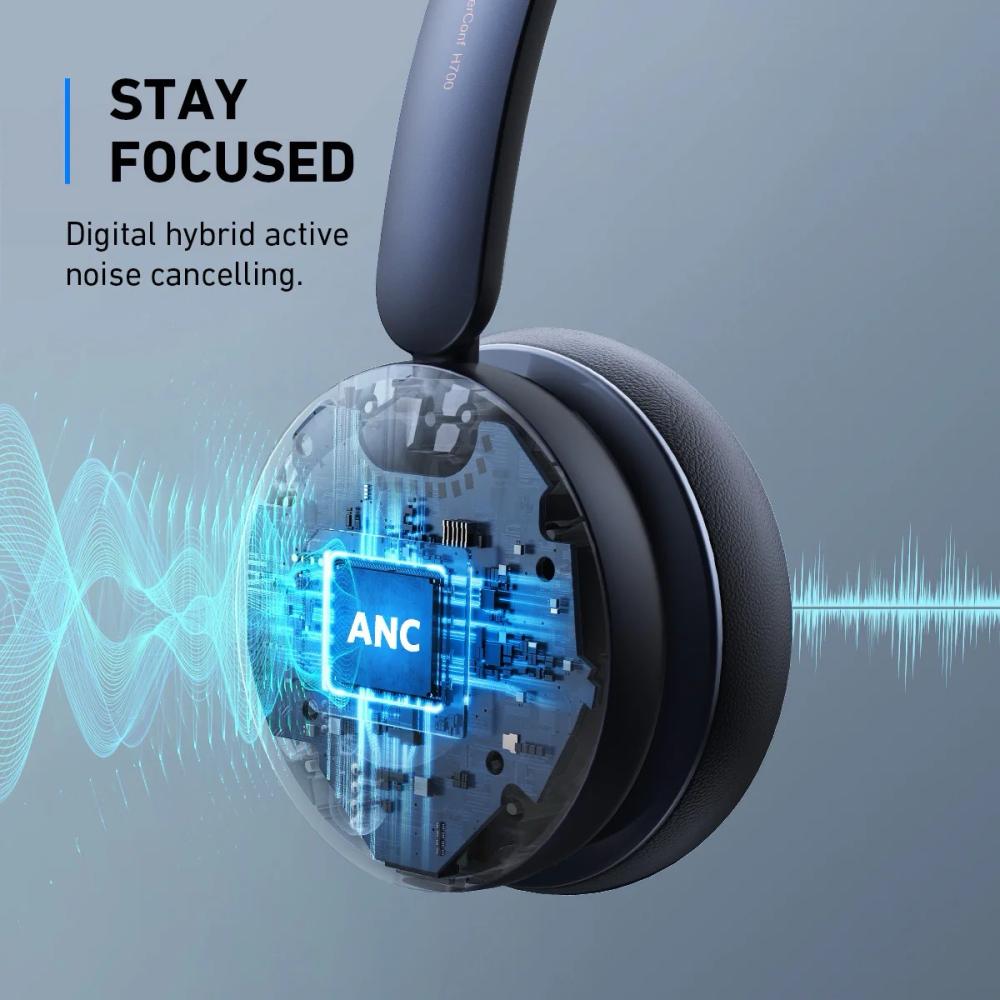
Active Noise Cancellation (ANC)
Enjoy distraction-free meetings, as active noise cancellation technology provides a quiet and isolated working environment.
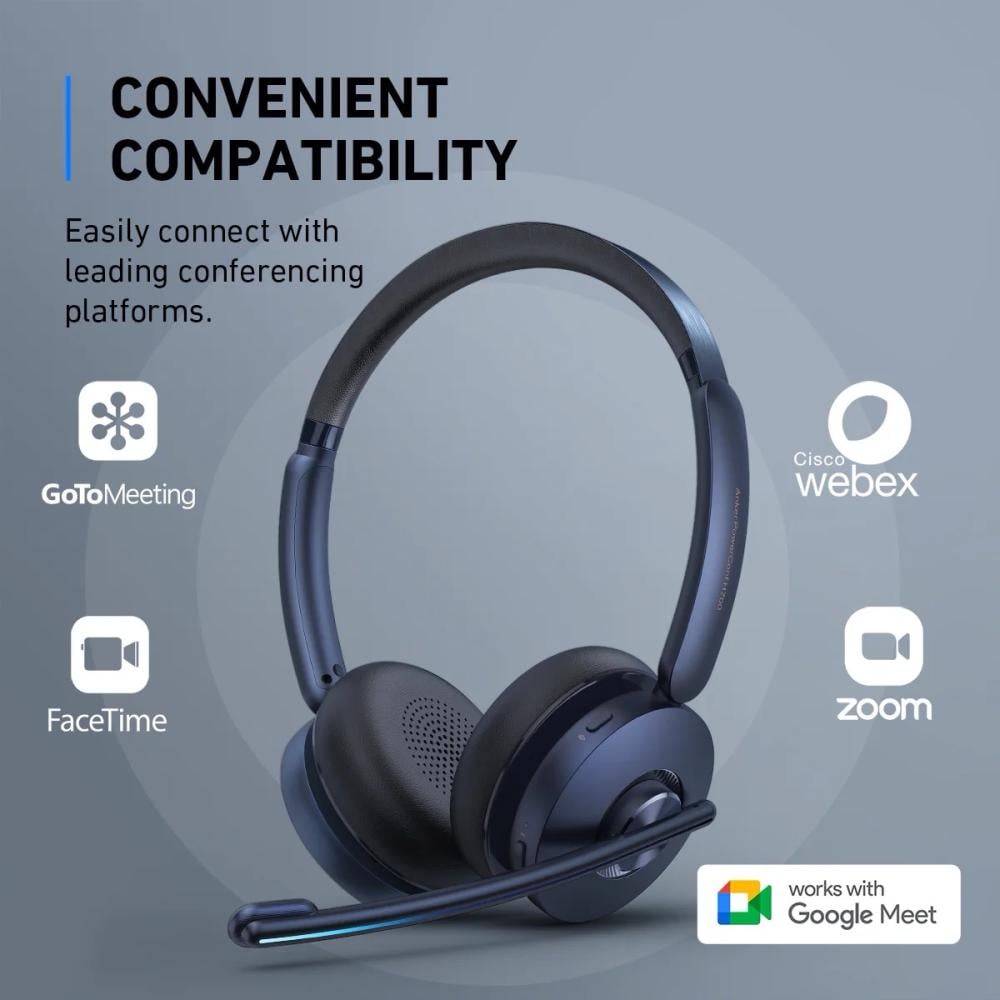
Seamless compatibility with meeting platforms
Compatible with Zoom, Skype, Google Hangouts, FaceTime, WebEx, GoToMeeting and other leading meeting applications.
Always ready to work
It provides 24 hours of talk time on a single charge, and a quick 5-minute charge gives you an additional 3 hours of talk time.
Multi-device connection
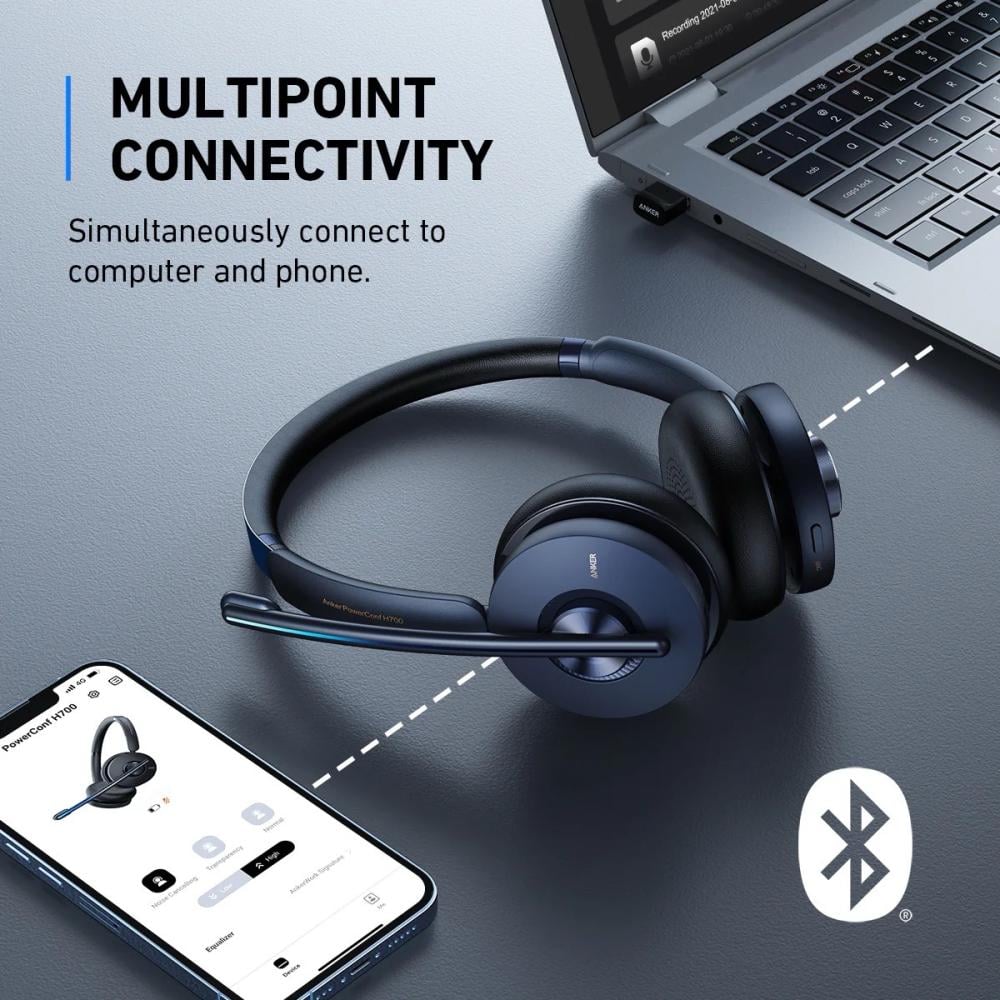
It allows connection to two devices simultaneously via Bluetooth with the ability to seamlessly switch between them.
Multiple ways to mute the sound
You can mute the sound by raising the microphone, moving the headset away from the ear, or pressing the mute button for a convenient and quick experience.
Specifications
- Bluetooth range: 10 meters
- Recording and converting meetings to text: Yes (1000 free minutes, valid for two months)
- Active Noise Cancellation (ANC): Yes
- Microphone technology: VoiceShield
- Connectivity: Bluetooth 5.0 / USB-A dongle
- Battery life: 24 hours (ANC off) / 21 hours (ANC on)
- Charging time: 1 hour and 40 minutes
- Charging base: Available
- Busy lighting: Available
- Fast charging: 5 minutes of charging = 3 hours of talk time
- Driver size: 40 mm
Notes
- The AnkerWork app must be downloaded on both the phone and computer to update the firmware of the headset and dongle.
- 1000 free minutes are available for converting meetings to text for two months, after which an additional subscription is required.
- For optimal performance, it is recommended to use a USB-A dongle when connecting to a computer.
- When switching the microphone between the two sides, it should be lowered completely and pointed towards the mouth to adjust the direction of the sound.
- The voice-to-text conversion service only supports English and Chinese .