


Click on the image to enlarge it

أصلي 100%
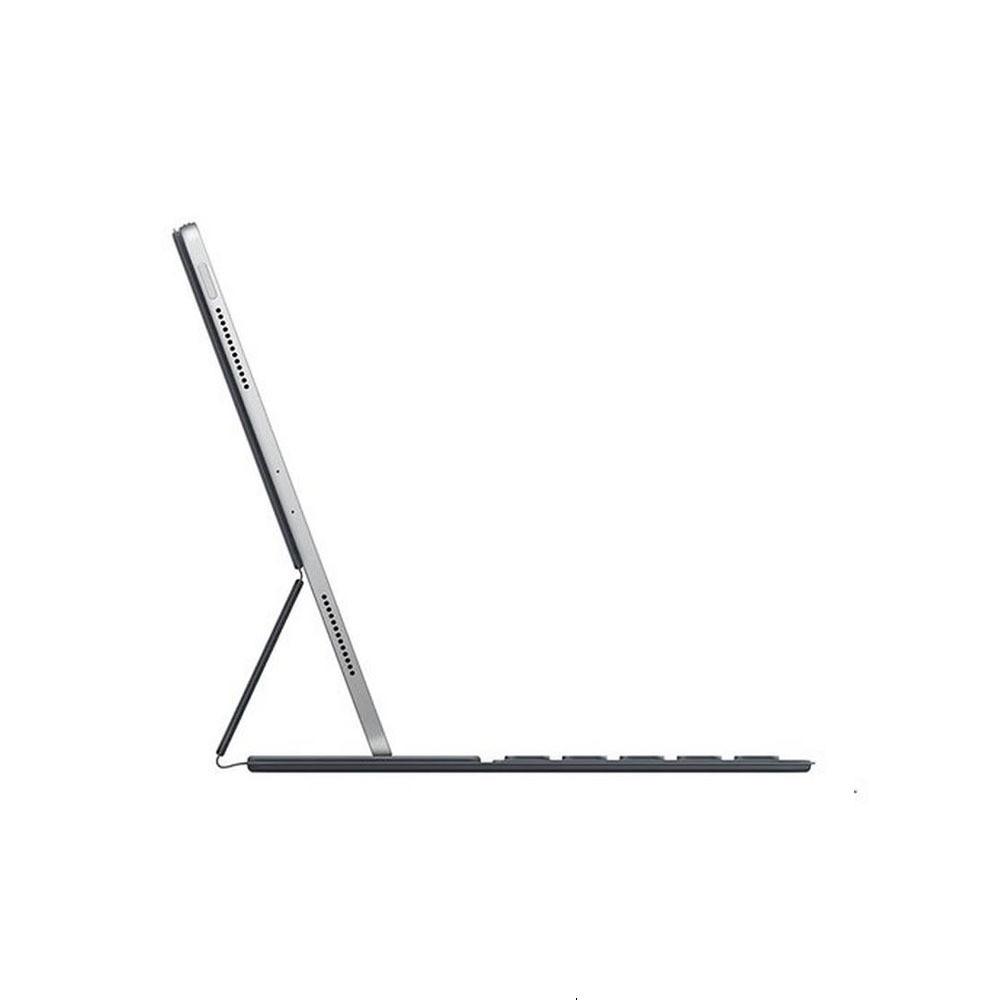
Click here for more AppleApple smart keyboard Folio for iPad Pro 2018 model only 11 inch - Arabic
Secure Shopping, Your Data is Always Protected
Apple Smart Keyboard Folio for iPad Pro 2018 model only 11 inch - A unique and modern design. It is equipped with an easy-to-use Arabic language, making it the perfect choice for Arab users. The integrated Arabic keyboard allows you to type easily and comfortably, with an ideal design to make you feel comfortable during long typing sessions. The Folio Smart Keyboard features many unique advantages, including a cover that protects your device, and it is equipped with advanced Bluetooth technology that ensures quick and reliable connection with your devices. Additionally, you can use it as a portable laptop for your iPad and turn it into a fully functional laptop, enabling you to work more efficiently and easily. The Apple Smart Keyboard Folio has an elegant and modern design, with many practical features that make it the best choice for Arab users. It is perfect for iPad. Buy now the Apple Smart Keyboard Folio for iPad Pro 2018 model only 11 inch in Arabic and enjoy a unique and wonderful user experience.
Full-size keyboard
The smart keyboard is designed to provide a great typing experience on a full-size keyboard. When needed, its sturdy and lightweight cover protects both the front and back of the 11-inch iPad Pro. All you have to do is connect it to your iPad Pro and start typing.
Easy to use
The smart keyboard connects magnetically to the back of the iPad Pro, protecting both the front and back while on the go. Simply open the front cover to use the keyboard when needed.
Folio simple and minimalist design
The smart keyboard connects magnetically to the back of the iPad Pro for protection, while the front cover acts as a keyboard. Simply open the keyboard to use it, or fold it to create a slim and lightweight cover.
Assistant-designed keyboard
The Folio smart keyboard provides maximum comfort for iPad Pro users, with a stand that helps ensure user comfort and freedom to use the Folio smart keyboard.
Fast connection to iPad Pro
The Folio smart keyboard features innovative technologies that free you from keys, plugs, and pairing. Just connect the keyboard and start typing, and when you disconnect it, the keyboard automatically appears on the screen.
See more View less